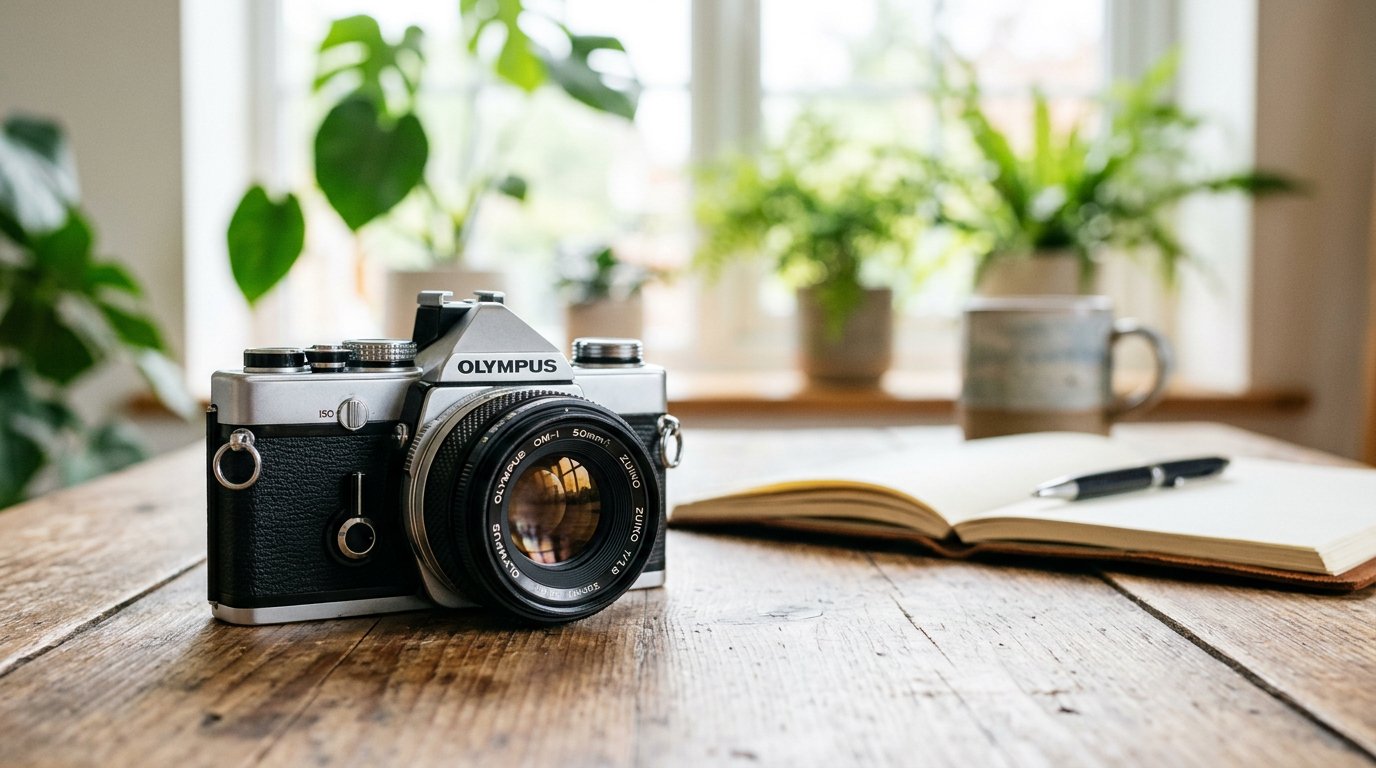
Master the Google Gemini AI Photo Generator
Generative artificial intelligence has rapidly evolved from text synthesis to sophisticated visual production. At the center of this transformati…

Generative artificial intelligence has rapidly evolved from text synthesis to sophisticated visual production. At the center of this transformation is the AI photo generator in Google Gemini, a multimodal creative system designed to turn natural-language prompts into high-resolution visuals, edit existing assets, and preserve aesthetic continuity across multi-step visual workflows.
As the global AI image generator market continues its rapid expansion across creative and marketing industries, Gemini integrates conversational photo generation directly into Google’s ecosystem. Powered by visual models such as Nano Banana 2, Gemini allows creators, developers, and marketers to design concept art, product mockups, and custom lifestyle photography through conversational direction.
What Makes Google Gemini’s Image Generator Unique?
Unlike standalone image synthesis tools that require rigid parameter syntax and deliver static results, Gemini approaches visual creation through conversational reasoning. It functions not just as a one-click renderer, but as an interactive visual collaborator.
1. Conversational and Localized Editing
Traditional image engines often regenerate an entire canvas when a revision is requested. Gemini allows for targeted, conversational edits. According to official Google Help documentation, users can generate a base image, upload an existing photo, or combine multiple visual references to make targeted modifications. You can modify lighting, alter camera angles, change the backdrop, or add specific elements without disrupting the unedited portions of the composition.
2. Character and Visual Consistency
A long-standing limitation in generative image production has been identity drift—where the same subject looks completely different across sequential prompts. Gemini focuses heavily on preserving character and object details across multi-turn interactions. This feature is particularly valuable for:
- Storyboarding and sequential narrative design
- Brand campaigns requiring a recurring model or product
- Educational explainers and visual storytelling
3. Improved Text Rendering and Multilingual Precision
Early diffusion models struggled to render legible text on signs, packaging, or clothing. Gemini’s underlying image architecture significantly improves text accuracy, correct spelling, and font layout inside the generated image, making it viable for flyers, promotional banners, and social media posts.
4. Tiered Resolution Output
Output resolution scales based on user needs and subscription tier. Standard users can generate and download assets at 1K resolution, whereas users subscribed to eligible Google AI plans can export sharper 2K-resolution images suitable for production graphics and editorial layouts.
How to Generate Photos with Google Gemini
Creating high-impact visuals in Gemini requires moving beyond single-sentence prompts. Following a structured prompt formula yields predictable, high-quality results:
[Subject] + [Action/Pose] + [Setting/Environment] + [Visual Style] + [Lighting] + [Composition] + [Aspect Ratio] + [Constraints]
Step 1: Define the Core Subject and Environment
Specify the main entity, its posture, clothing, material textures, and the surrounding scene. Instead of asking for "a barista making coffee," provide descriptive context: "A professional barista pouring intricate latte art into a ceramic mug on a reclaimed wood counter in a sunlit urban café."
Step 2: Set the Visual Medium and Style
Indicate whether you need an editorial photograph, 3D render, flat vector, watercolor illustration, or analog film shot. For photographic realism, mention camera traits such as "shot on 35mm lens," "shallow depth of field," or "commercial product photography."
Step 3: Direct the Lighting and Color Palette
Lighting defines the mood of an image. Useful lighting descriptors include:
- Soft diffuse studio light for clean product shots
- Golden hour morning sunlight for natural lifestyle scenes
- High-contrast cinematic shadows for dramatic portraits
- Cool neon illumination for futuristic or urban evening scenes
Step 4: Iterative Refinement
Once Gemini generates your initial image, review the details. If a specific element needs adjustment, instruct the model conversationally rather than starting over. For instance:
"Keep the subject, composition, and lighting identical, but replace the background with a minimalist concrete wall."
Practical Prompt Examples
Here is how you can structure real-world prompts for different use cases:
E-Commerce & Product Mockups
"Create a clean commercial photograph of an amber glass dropper bottle sitting on a textured stone pedestal. Soft morning light entering from the side, neutral warm beige backdrop, sharp focus on the glass surface, minimalist luxury aesthetic, 1:1 aspect ratio, no text."
Lifestyle & Editorial Content
"An authentic lifestyle photo of two colleagues reviewing architectural blueprints on a sunlit studio table. Candid expression, natural window light, medium shot, contemporary Scandinavian interior design, shot on 50mm f/1.8 lens, high realism."
Image-to-Image Transformation
When uploading a reference image for modification:
"Using the uploaded image of the ceramic mug, change the background to an outdoor wooden patio surrounded by tropical greenery at sunset. Preserve the mug's exact shape, texture, handle position, and reflection details."
Gemini vs. Other AI Photo Generators
| Feature / Dimension | Google Gemini | Midjourney | Adobe Firefly |
|---|---|---|---|
| Primary Strength | Conversational editing & multimodal reasoning | Expressive artistic styling & aesthetics | Commercial safety & Adobe Creative Cloud integration |
| Input Flexibility | Text prompts, uploaded images, multi-image blends | Text prompts, image weights, parameter flags | Text prompts, reference styles, compositional layers |
| Interface | Conversational web & mobile chat interface | Discord bot & standalone web platform | Web app & native Photoshop/Illustrator tools |
| Text Rendering | High precision in multiple languages | Moderate to high precision | High precision, focused on graphic design |
Gemini’s greatest advantage is its ease of iteration. Because it understands conversational context, you do not need to memorize complex parameter flags—you simply explain what to alter.
Integrating AI Visuals into Modern Digital Strategy
Generating compelling AI photography is only one part of building modern digital authority. As search shifts toward zero-click AI answers, digital teams must ensure both their written content and visual assets are properly understood and referenced by generative engines.
Keeping content cite-able and knowing whether AI actually surfaces you is the real work—Terradium writes for that and then tracks where you show up across ChatGPT, Perplexity, Google AI Overviews, and Gemini. Pairing conversational AI tools for creative production with dedicated Generative Engine Optimization (GEO) allows brands to maintain high visual standards while securing visibility across modern AI search platforms.
Summary
The Google Gemini AI photo generator represents a major step forward in conversational, multimodal visual production. By combining natural-language prompts, precise localized editing, character consistency, and crisp text rendering, Gemini empowers creators and marketing teams to produce polished visual assets in seconds. Structuring detailed prompts and leveraging iterative conversational refinements will help you get the most out of Google's generative visual tools.
Running a brand that sells online?
Kugie builds stores that brands own, on Orbit, and custom systems with our senior team.